E-Signed Puppy Contracts and Warranties at the Counter
The best moment in a puppy sale is also when the paperwork goes wrong. The family has picked their puppy, the kids are holding it, and someone at the counter is printing a contract, a warranty, a health certificate and a microchip form. Pages get initialed in a hurry. One copy goes home in a folder, the store’s copy goes in a binder with the rest of your puppy sale contracts, and the scan happens later, if it happens.
E-signed puppy sale contracts fix most of that if you set them up carefully. Here’s how we’d set it up in a pet store. It isn’t legal advice. The federal ESIGN Act generally gives electronic signatures on contracts the same standing as ink, but what you have to disclose, what a warranty has to cover and how long you keep records all depend on your state, so have your attorney review your contract and warranty language and check your state’s rules before you change anything.
List every document a sale needs
Before you open any software, write down every document that changes hands when a puppy goes home. For most stores it’s some mix of these:
- The sale contract
- The health warranty, plus any protection program the family adds
- A health exam or veterinary certificate
- A rabies certificate, for puppies old enough to have had the shot
- Breeder or distributor paperwork you pass along
- A puppy info sheet with vaccine and deworming dates
- Microchip registration
Next to each one, note who signs it (the customer, a manager, the store vet), in what order, and whether the puppy can leave without it. That list is your setup plan.
Use your own puppy sale contracts
Your contract wording has probably been through your attorney and a few rounds of real customer questions. Keep it. A good e-sign setup lets you upload the PDF or Word file you already use and place signature and fill-in fields on top. In Unified Kennel Management, you drag signature and merge fields onto your document and publish it.
Merge fields save the most time. The puppy’s breed, birth date, microchip number, price and add-ons, along with the customer’s name and address, should fill in from the sale itself. Nobody at the counter should be copying a microchip number by hand.
What happens at the counter
Signing should take a few minutes. A typical order of events:
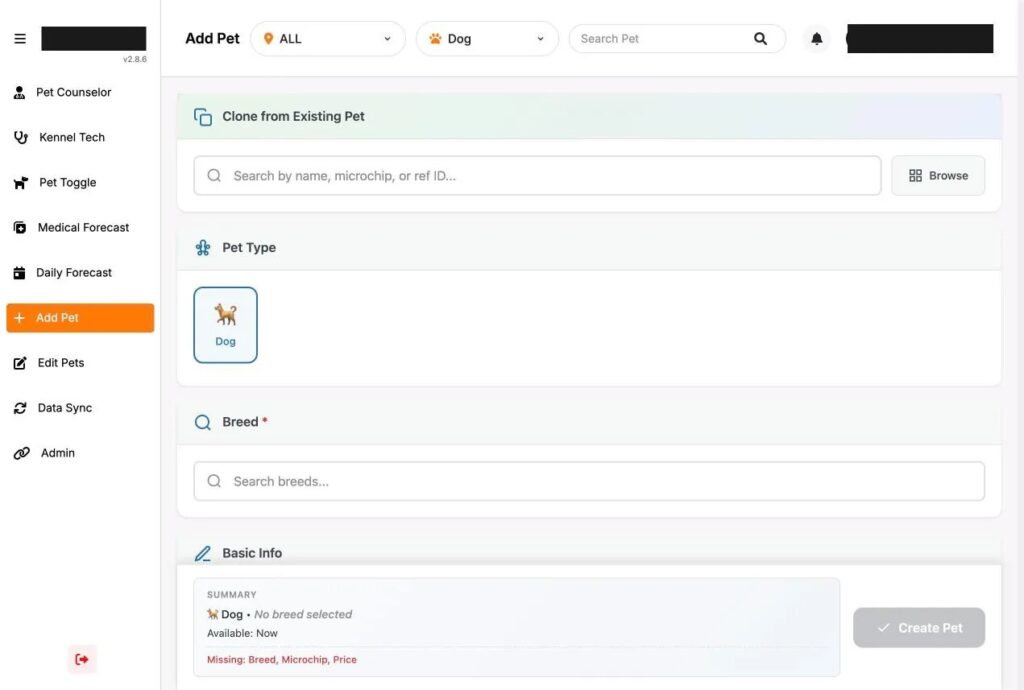
- The pet counselor completes the adoption: customer details, add-ons, warranty and any second owner.
- The documents for that puppy are created from the sale, already filled in.
- The family reads and signs on a tablet. Give them a chair, and don’t hand over the tablet while someone is also holding the puppy.
- A manager or the store vet signs wherever their signature is required.
- Signed copies are saved to the pet’s file and the customer’s account, and the family has their copy before they leave.
The tablet should show the whole document, with the signature box at the end. Let families scroll and read what they’re signing, and have the counselor go over the warranty terms in plain words. If the puppy gets sick the following week and the family calls, they’ll remember what the counselor told them about the warranty.
Deposits and remote signing
Plenty of puppy sales start on the phone or on your website. A family reserves a puppy and signs for a deposit before they’ve ever visited. A remote signing link covers this. The customer opens it on their own phone, signs, and the signed copy lands in the same place as an in-store signature.
Decide ahead of time which documents can be signed remotely and which you want signed in person at pickup, with the puppy in front of the family. That’s another good question for your attorney.
Don’t let a puppy leave without the paperwork
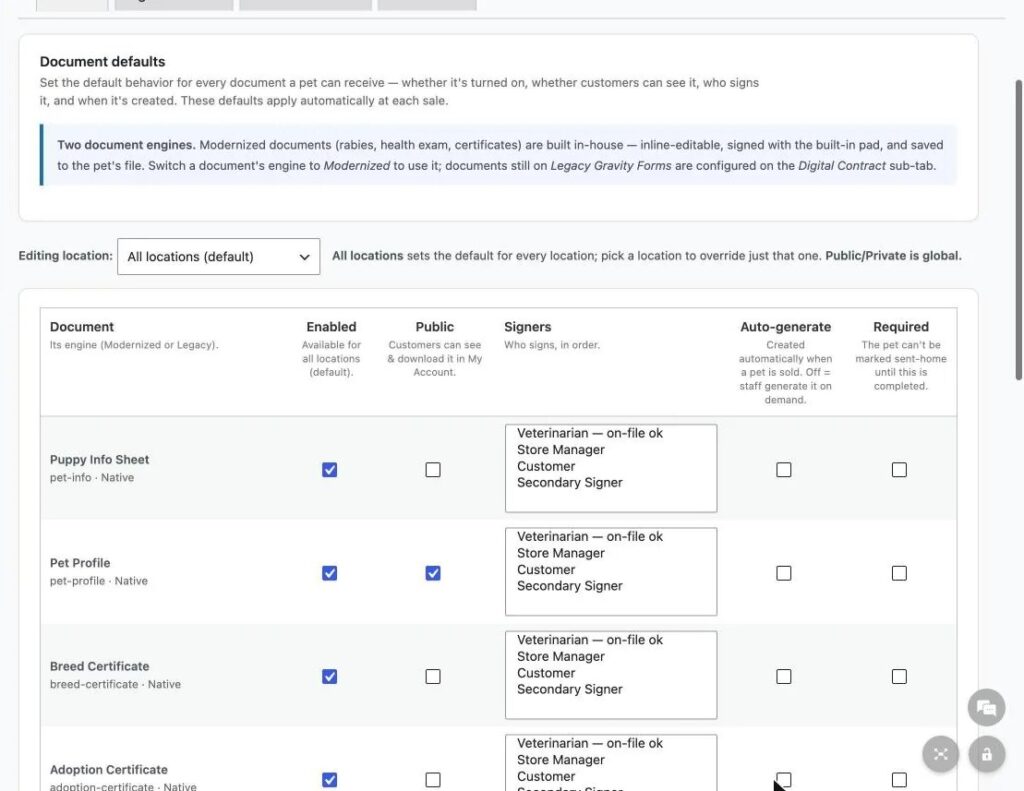
Paper processes break on busy Saturdays. Someone forgets the rabies certificate, or the vet signature never happens because the vet left at noon. Look for software that lets you mark documents as required before the pet goes home, and set that per document. The contract and warranty are the obvious ones to start with.
Storing signed puppy sale contracts
Signed contracts hold customer names, addresses and sometimes ID or financing details. They shouldn’t sit in a shared folder every employee can open. Look for:
- A private document store, with downloads that check who’s asking
- Control over which documents customers can download themselves
- An activity log showing who did what to a contract, and when
- Separate document settings per location, if your stores use different contract versions
UKM keeps contracts and certificates in a private document store with permission checks and contract activity logs, and each location can override the document settings.
When the warranty call comes
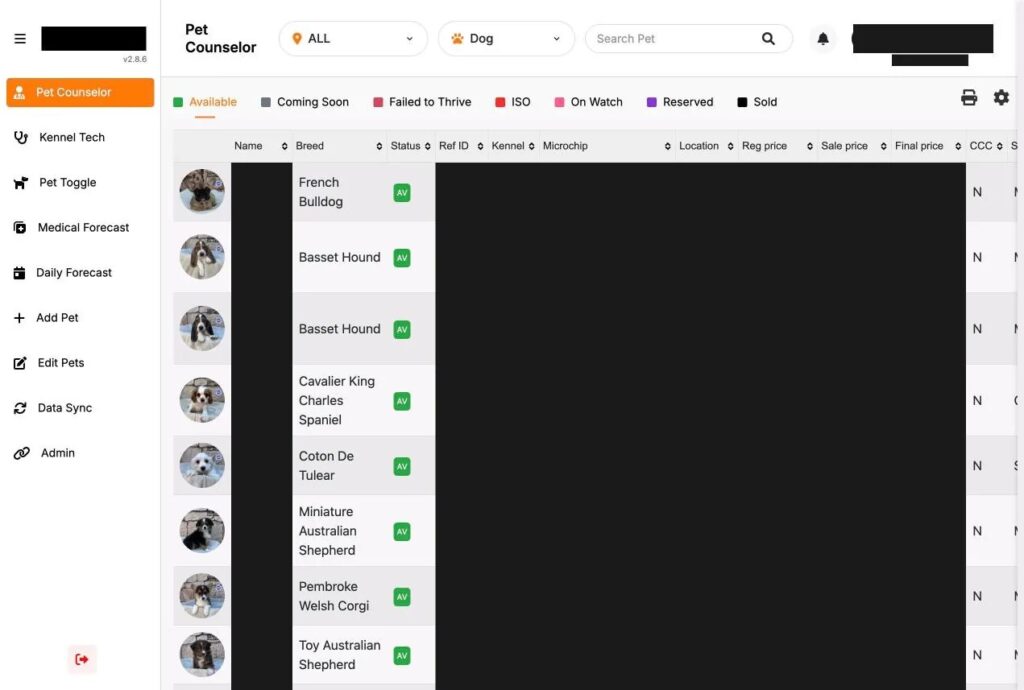
Sooner or later a family calls about a sick puppy. With paper, someone goes digging through a binder while the customer waits. With signed documents attached to the pet record, the counselor can open the contract, the warranty, any protection program the family bought, the health exam, and the vaccine and deworming history in one place, while the family is still on the line.
Before you switch to e-signed puppy sale contracts
- Have your attorney review the contract and warranty you plan to upload.
- Check your state’s disclosure and record keeping rules.
- Run a practice sale with a staff member playing the customer, on the tablet you’ll actually use at the counter.
- Print the signed PDF and read it, to make sure every merge field filled in correctly.
- Keep your paper forms on hand for the first couple of weeks.
If you’re still choosing software, start with our list of what pet stores should look for in kennel software. You can see how contracts, certificates and signing work on the Unified Kennel Management page, and our pet retail marketing page covers the marketing side of running a pet store.